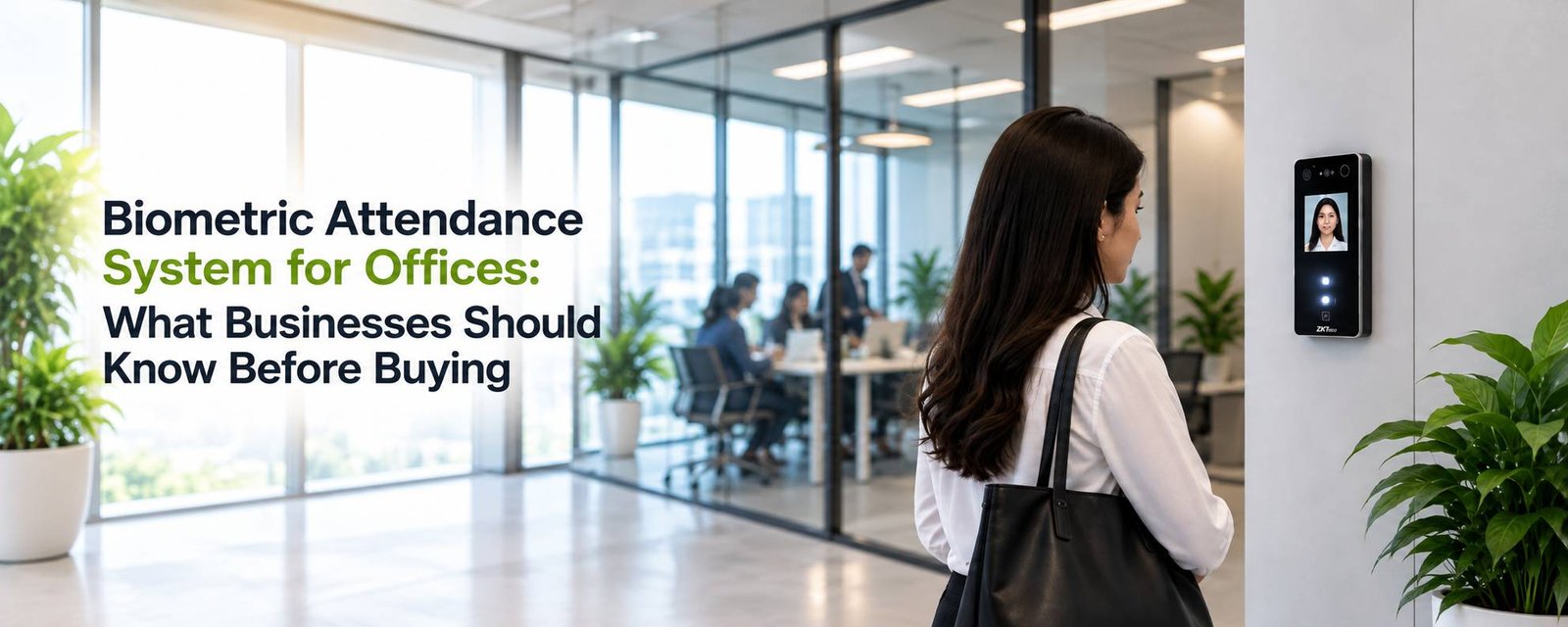
For a small office, keeping track of attendance is usually not a big problem. Someone in HR checks who has come in, who is on leave and who has arrived late. But as the number of employees increases, attendance can quickly become a daily headache.
Employees may forget to mark their attendance, cards can get misplaced, and checking Excel sheets at the end of every month takes time. There is also the problem of proxy attendance, where one employee marks attendance for another. This is one of the main reasons companies are moving towards a biometric attendance system.
A biometric system records attendance by identifying the employee through a fingerprint, face, RFID card or another authentication method. It removes much of the manual work and gives HR a clearer picture of employee attendance.
But buying the first biometric device you find online is not necessarily the right approach. Different offices have different requirements, and the device that works well for a 20-person office may not be suitable for a factory with 500 employees.
Start with the number of employees
The first thing to consider is your employee strength, If you have a small office with 20 or 30 employees, you may not need an expensive, complicated attendance system. A basic fingerprint or facial recognition device connected to suitable software may be enough, For a larger organization, things become different. You may have several departments, multiple shifts and more than one office location. In that situation, the attendance system needs to handle a larger number of users and provide centralized management.
It is also worth thinking about future growth. If your company is currently employing 100 people but expects to reach 300 in the next couple of years, choosing a system that can grow with you can save the trouble of replacing it later.
Fingerprint, Facial Recognition or a Combination of Both?
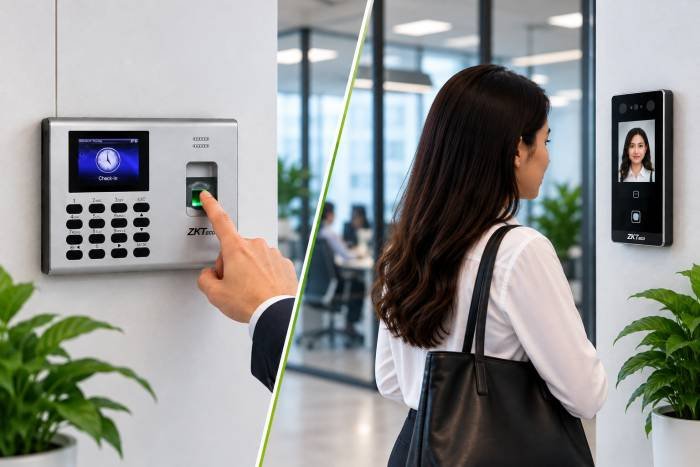
Both are widely used, but the better option depends on the workplace, Fingerprint attendance is straightforward and has been used by Indian businesses for many years. Employees place their finger on the sensor and the system records the attendance.
Facial recognition is becoming increasingly popular because employees do not need to touch the device. It can be particularly convenient in offices where a contactless attendance process is preferred, For a normal office environment, either technology can work well when the right device is selected and installed properly.
There is no need to choose a facial recognition device simply because it is newer. The important question is whether it suits your employees and working environment.
One device may not be enough
If your company has several branches, installing a separate attendance device at every location is only part of the solution, you also need a way to bring the attendance information together, for example, a company with offices in Bengaluru, Chennai and Hyderabad may want the HR team in Bengaluru to see attendance information from all three locations.
This is where network-based or web-based attendance software becomes useful. The devices at different locations can send attendance information to a central system, allowing HR to manage employees and generate reports without collecting data manually from every branch.
Don't ignore the software
The biometric machine gets most of the attention because it is the part employees see every day. But for HR, the software is arguably just as important, A device can record that an employee entered the office at 9:14 AM. HR still needs to know what that means, Was the employee late? Was it their scheduled shift? Did they work enough hours? Did they leave early? Was the employee on an approved shift?
Attendance software processes this information according to the company’s rules and turns it into usable reports, Depending on the system, it can also handle leave, overtime, shift allocation, attendance corrections and approval workflows, For businesses with employees working outside the office, mobile attendance and location-based attendance can also be useful.
Think about installation and support
Another mistake businesses make is looking only at the price of the device, A biometric attendance system is not just a machine fixed to the wall. It may involve networking, software configuration, employee enrollment, access permissions and integration with existing systems.
If something stops working, you also need someone who can provide technical support, A slightly cheaper device may not actually be cheaper if you spend more time dealing with installation problems or software issues, This is why it is better to look at the complete solution rather than comparing devices based only on their price.
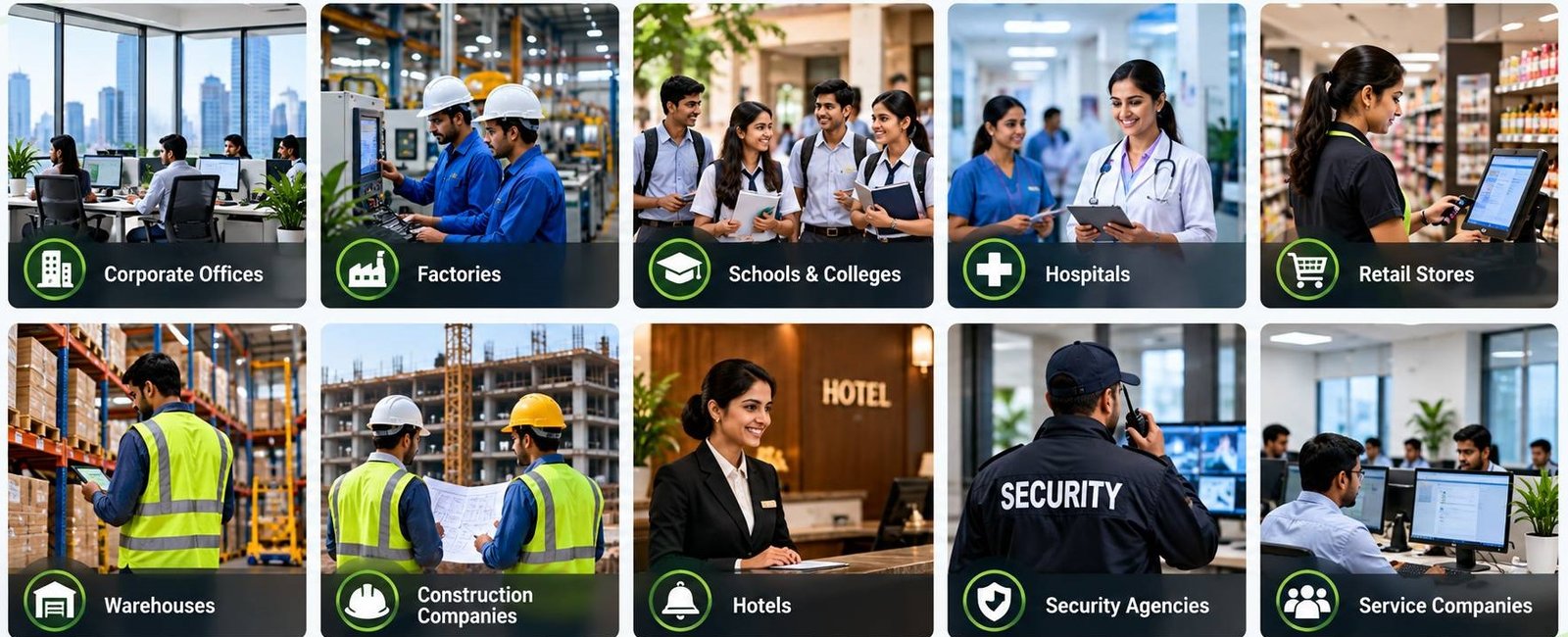
Where can biometric attendance be used?
What should you ask a supplier?
Before buying, ask a few practical questions:
- How many employees can the device support?
- Can it work with the attendance software you need?
- Can attendance be managed from another location?
- Does the software support shifts and overtime?
- Can it handle multiple branches?
- What happens if the internet connection goes down?
- Is mobile attendance available if you have field employees?
- What kind of technical support is provided after installation?
These questions are often more important than simply asking how many fingerprints the device can store.
The right system is the one that fits your workplace
There is no single biometric attendance system that is perfect for every business, a small office may need a simple and affordable fingerprint device. A larger organization may require facial recognition terminals, multiple devices, centralized software and integration with payroll or HR systems, The best approach is to first understand how your employees work and then select the hardware and software around those requirements.
Biometric Access India provides biometric attendance and workforce-management solutions using technologies such as fingerprint and facial recognition, along with software for organizations that need more than basic punch-in and punch-out functionality, If attendance is currently being managed through registers or spreadsheets, moving to a properly configured biometric attendance system can make the everyday work of HR considerably easier.